close
close






Why October 13 Matters for Businesses Still Running Windows 11 24H2
For businesses still running Windows 11 24H2, October 13 is more than just another software date on the calendar. Once support ends for Home and Pro editions, those systems will no longer receive the regular security and quality updates that help protect devices and keep them running reliably. The computers themselves will continue to work, but the risk grows over time as newly discovered vulnerabilities go unpatched and compatibility issues begin to surface. That makes now the right time to identify which devices are still on 24H2 and make sure there is a clear upgrade plan in place before the deadline arrives.
For most employees, Windows updates are something that happen in the background. A notification appears, the computer restarts, and work continues.
But one Windows deadline this fall deserves more attention.
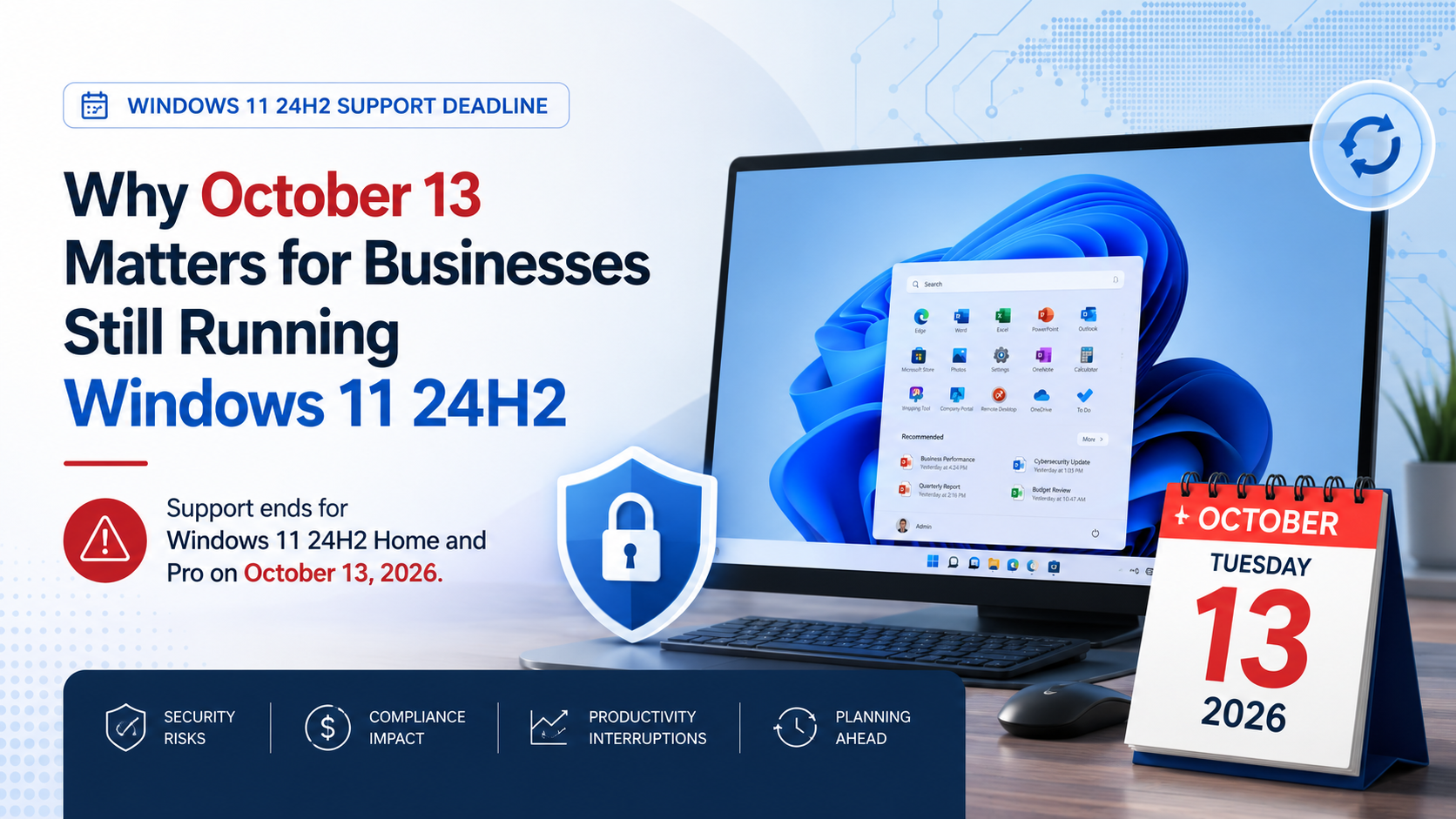
On October 13, 2026, Microsoft support ends for Windows 11 version 24H2 Home and Pro. For businesses with computers still running that release, the issue is not that those PCs will suddenly stop working. The more important concern is what happens afterward: affected systems will stop receiving the regular security and quality updates businesses rely on to keep devices protected and stable.
That makes the next few weeks a good time for organizations to answer a simple question:
Do we know which Windows versions our computers are actually running?
For many businesses, the answer may be less obvious than it sounds. Devices purchased at different times, remote employees, older hardware, and postponed updates can leave an organization with several Windows versions in use at once.
The good news is that this does not need to become an emergency. With a little planning now, businesses can identify affected computers, confirm whether they can be updated, and deal with any hardware or application issues before the deadline arrives.
How to Check Which Version of Windows You’re Running
The first step is simply finding out which version of Windows 11 is installed on each computer.
On an individual PC, the quickest method is:
- Press Windows key + R
- Type winver
- Press Enter
A small window will display the Windows edition and version currently installed.
You can also go to Settings > System > About and look under Windows specifications.
For a business with only a handful of computers, checking devices individually may be manageable. Larger organizations should use their IT management tools to inventory devices centrally rather than relying on employees to check their own systems.
The important number to look for is 24H2.
If a computer is running Windows 11 24H2 Home or Pro, it should be included in your upgrade planning before October 13.
What End of Support Actually Means
When Microsoft says a Windows version has reached the end of support, the computer does not suddenly stop working.
Employees will still be able to turn it on, open applications, access files and use the internet.
The bigger issue is what the computer will stop receiving.
After support ends, affected Windows versions no longer receive the normal security and quality updates Microsoft provides for supported releases.
That matters because new vulnerabilities continue to be discovered.
A supported computer can receive updates that address those vulnerabilities. An unsupported version may remain exposed, creating unnecessary cybersecurity risk.
Over time, unsupported operating systems can also create problems with:
- cybersecurity requirements
- cyber insurance
- regulatory compliance
- application compatibility
- vendor support
- endpoint security tools
- future Microsoft 365 features
For businesses, end of support is therefore less about whether a computer still turns on and more about whether it should continue being trusted as part of the company network.
Does This Mean You Need New Computers?
Not necessarily.
If a computer is already running Windows 11 24H2, there is a good chance the hardware can support a newer Windows 11 release.
In many cases, the solution may simply be installing the next supported feature update.
However, an upgrade review is still worthwhile.
Some computers may have limited storage, outdated drivers, incompatible business applications or other issues that make upgrading more complicated.
Older computers may also be approaching the point where replacement makes more sense economically than continuing to maintain them.
That is why businesses should avoid treating October 13 as a mass hardware replacement deadline.
The better approach is to evaluate each device based on:
- hardware age
- Windows compatibility
- business application requirements
- performance
- warranty status
- security requirements
- expected remaining useful life
Some systems may only need an update. Others may benefit from replacement.
Don’t Forget About Business Applications
Windows itself is only one part of the equation.
Before deploying a major operating system update across an organization, IT teams should confirm that important business applications will continue working properly.
That may include:
- accounting software
- industry-specific applications
- VPN software
- security applications
- printer and scanner software
- older hardware drivers
- custom business applications
- remote-access tools
For most organizations, modern applications should transition without difficulty.
But the best time to discover an incompatibility is during testing, not Monday morning after dozens of computers have been upgraded.
What Businesses Should Do Between Now and October 13
There is still time to manage the transition carefully.
A practical plan might look like this:
1. Inventory Your Computers
Identify which devices are running Windows 11 24H2 and which editions are installed.
Do not assume every computer in the company is running the same version.
2. Confirm Upgrade Eligibility
Determine whether affected devices can move to a newer supported Windows 11 release.
Check available storage, hardware requirements, drivers and application compatibility.
3. Test Critical Applications
Upgrade a small number of representative computers first.
Make sure the software employees depend on continues to operate normally before deploying the update more broadly.
4. Back Up Important Information
Operating system upgrades are normally routine, but important business data should always be properly protected before significant system changes.
Make sure backups are current and recoverable.
5. Schedule the Rollout
Avoid waiting until October 12.
Spread upgrades over several weeks so problems can be identified and corrected without creating unnecessary disruption.
6. Replace Devices Where It Makes Sense
If some computers are already slow, unreliable, out of warranty or approaching the end of their useful life, this may be a sensible time to replace them rather than invest additional effort in older hardware.
The Deadline Is a Planning Opportunity
Technology deadlines are much easier to manage when businesses act before they become emergencies.
October 13 does not need to be disruptive.
For most organizations, the process should be straightforward: identify computers running Windows 11 24H2, confirm that they can be upgraded, test important applications and roll out the supported Windows version on a controlled schedule.
The bigger lesson is one that applies well beyond Windows.
Know what technology your organization is running, know when it reaches the end of support, and plan upgrades before the deadline arrives.
That is how an approaching technology deadline becomes routine maintenance instead of an unexpected business problem.