close
close






Why Public Networks Put Your Data at Risk
Recognizing Common Attack Methods
Cybercriminals count on you connecting without thinking twice. Their tricks aren’t complicated—they just need you to join an unsecured network.
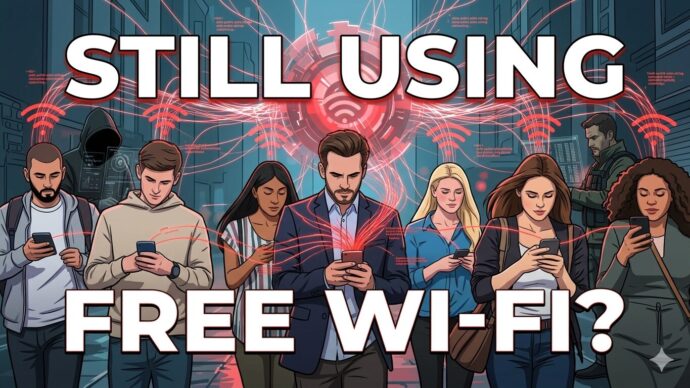
Man-in-the-Middle Attacks happen when someone wedges themselves between your device and the Wi-Fi point. They quietly intercept your data, grabbing things like login info, payment details, and private messages.
You keep browsing, not realizing that someone is watching everything you send.
Rogue Hotspots are just as sneaky. Attackers set up networks with names that look legit, like “Hotel Guest WiFi” or “Coffee Shop Free Internet.”
If you connect, they control the whole network and see all your activity. These fake networks look identical to the real thing, which is what makes them so risky.
You usually won’t know anything’s wrong until it’s too late.
Creating Your Personal Security Layer
Relying on public Wi-Fi is basically rolling the dice with your data. It’s smarter to use options that actually protect you.
Mobile Hotspots let your phone act as your own private Wi-Fi. This cuts out the shared access that makes public networks so vulnerable.
Your phone creates your own private connection that only you control. Sure, it uses more data, but your info stays private.
Virtual Private Networks (VPNs) encrypt your data before it even leaves your device. The encryption forms a secure tunnel, so nobody can peek at what you’re doing online.
People might see you’re online, but they can’t see what you’re doing. It’s not perfect, but it’s a huge step up from nothing.
Verified Networks are a slightly better option if you absolutely have to use public Wi-Fi. Password-protected networks at hotels, airports, or businesses offer a bit more safety.
Still, public Wi-Fi is built for convenience, not for security. Even with a password, you should stay alert.
Establishing Consistent Security Practices
Tech can only do so much. Your habits matter just as much as your tools.
- Disable automatic connections. Your phone or laptop will jump onto any network it recognizes, which makes it easy to accidentally join a rogue hotspot.
- Avoid sensitive transactions. Don’t do your banking, payroll, or handle confidential docs on public Wi-Fi. Use your hotspot or VPN for that stuff.
- Maintain current software. Updates fix security holes. Install them before you travel, not after.
- Close sessions completely. Logging out cuts down the time your accounts are exposed on a public network.
- Activate remote tracking and wiping. If your device disappears, you can erase your data before anyone else gets to it.
Final Considerations
Your trip should be about the experience, not stressing over data security.
Public Wi-Fi is all about making it easy to get online, not keeping you safe. Every time you connect without protection, you open yourself up to people who know how to watch these networks.
Attackers are patient and have plenty of tools. If you want to stay safe, you’ll need three things: a VPN, a mobile hotspot, and some basic security habits.
These steps let you stay connected without handing over your info to strangers.
Common Questions About Public Wi-Fi Networks
What dangers exist when connecting to open wireless networks?
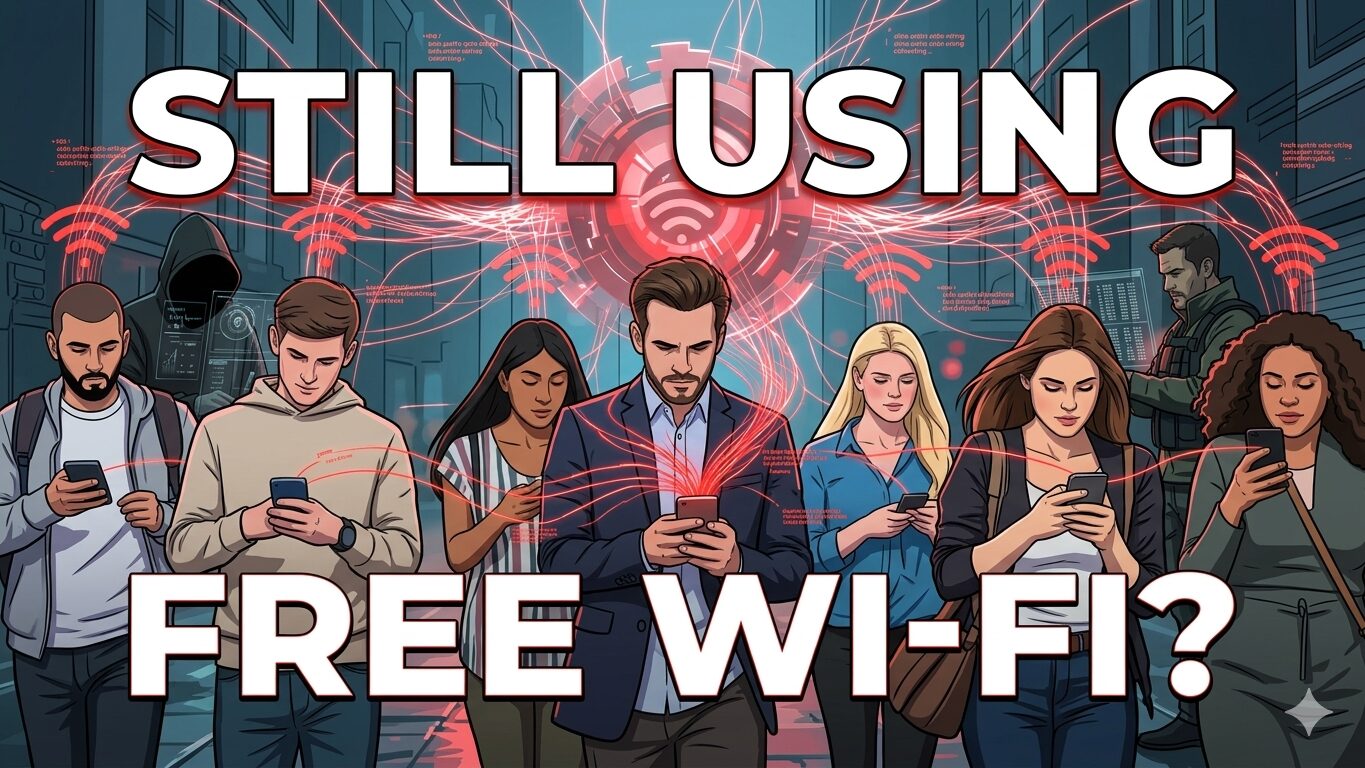
Using unsecured Wi-Fi exposes you to a bunch of risks. Attackers can grab your data as it travels, including passwords, financial details, and private chats.
Man-in-the-middle attacks are especially sneaky. Someone sits between you and the network, quietly watching everything you do online.
Rogue access points are another headache. Hackers set up networks with official-sounding names to trick you into connecting, then control all your traffic.
If the network isn’t encrypted, anyone with basic tools can scoop up your data. That means your browsing history, login info, and messages could be visible to others on the same Wi-Fi.
How do you determine if a wireless network is trustworthy?
Ask staff for the exact network name before connecting. Attackers often pick names that look almost identical to the real thing, with words like “free” or “guest” tacked on.
Check if the network needs a password. Networks that make you log in are usually safer than wide-open ones.
Look for HTTPS in website addresses. That little lock icon in your browser means your connection to the site is encrypted, even if the Wi-Fi isn’t.
Check your device’s Wi-Fi settings for encryption standards like WPA2 or WPA3. Those are much better than older or unencrypted networks.
Be wary of weird connection prompts. Legit networks don’t usually ask for a ton of personal info or make you download random software to get online.
What false beliefs do people hold about open networks?
A lot of folks think public Wi-Fi is safer than it really is. In reality, it’s all about convenience, not security.
Some people believe that just avoiding online banking keeps them safe. But even background syncing of email, cloud storage, or messaging apps can leak sensitive info.
There’s also this idea that antivirus software will keep you safe on any network. While antivirus helps, it can’t stop every kind of network-based attack.
Don’t assume that paid or “premium” networks are always secure. Just because you pay doesn’t mean the network is well protected.
Spotting fake networks isn’t as easy as it sounds. Skilled attackers make their hotspots look exactly like the real thing.
What measures should you implement to safeguard your information?
Use a VPN to encrypt everything your device sends. VPNs keep your activity private even when you’re on public Wi-Fi.
Turn off automatic Wi-Fi connections on your devices. This stops your phone or laptop from joining networks without you noticing.
Disable file sharing and AirDrop in public. Those features can leave doors open for attackers.
Enable two-factor authentication wherever you can. If someone gets your password, they’ll still need your second verification step.
If possible, stick to your mobile data or personal hotspot. Your own hotspot is much safer than a random café Wi-Fi.
Double-check that websites use HTTPS before typing in sensitive info. That extra layer of encryption helps protect your data.
Always log out of accounts when you’re done. Staying signed in just increases your risk if someone hijacks your session.
Can you obtain wireless internet safely without payment?
Your mobile provider might offer free hotspot access in some locations. These carrier networks usually come with security checks and require you to log in.
Some places, like hotels or coffee shops, have guest networks that need a password from staff. These networks often separate guest traffic from the business’s own systems.
Public libraries usually have protected Wi-Fi with decent security. They often add content filters and other basic safeguards.
Universities and colleges offer secure wireless for students and sometimes visitors. You’ll need credentials, but the security is usually solid.
Some cities have community networks that are free if you register. Municipal Wi-Fi often has more security than your average open network.
But honestly, your own mobile hotspot is still the safest bet. It uses your data, but you’re the only one in control.
How dependable are programs promising wireless network access?
Apps that claim to share Wi-Fi passwords or offer free access come with big risks. They usually collect way more data from you than they’re worth.
Many of these programs scoop up your contact lists, track your location, and monitor your browsing habits. Free access sounds good, but it often means giving up your privacy and personal info.
Password-sharing apps spread network credentials all over the place. You lose control over who gets into networks you’ve shared, and honestly, you never really know who’s sharing what with whom.
Some of these apps even hide malware or adware that helps developers make money. Your device slows down, and your data winds up in the hands of strangers.
Crowdsourced Wi-Fi databases can be unreliable. Sometimes they list networks as secure, but those networks might have changed owners or tweaked their settings.
If you want free access, maybe just ask your service provider about legit options. In my experience, official programs from big-name companies feel a lot safer than random third-party apps.